Category mapping
A category mapping determines where a group of catalog products will be classified on Mercado Livre.
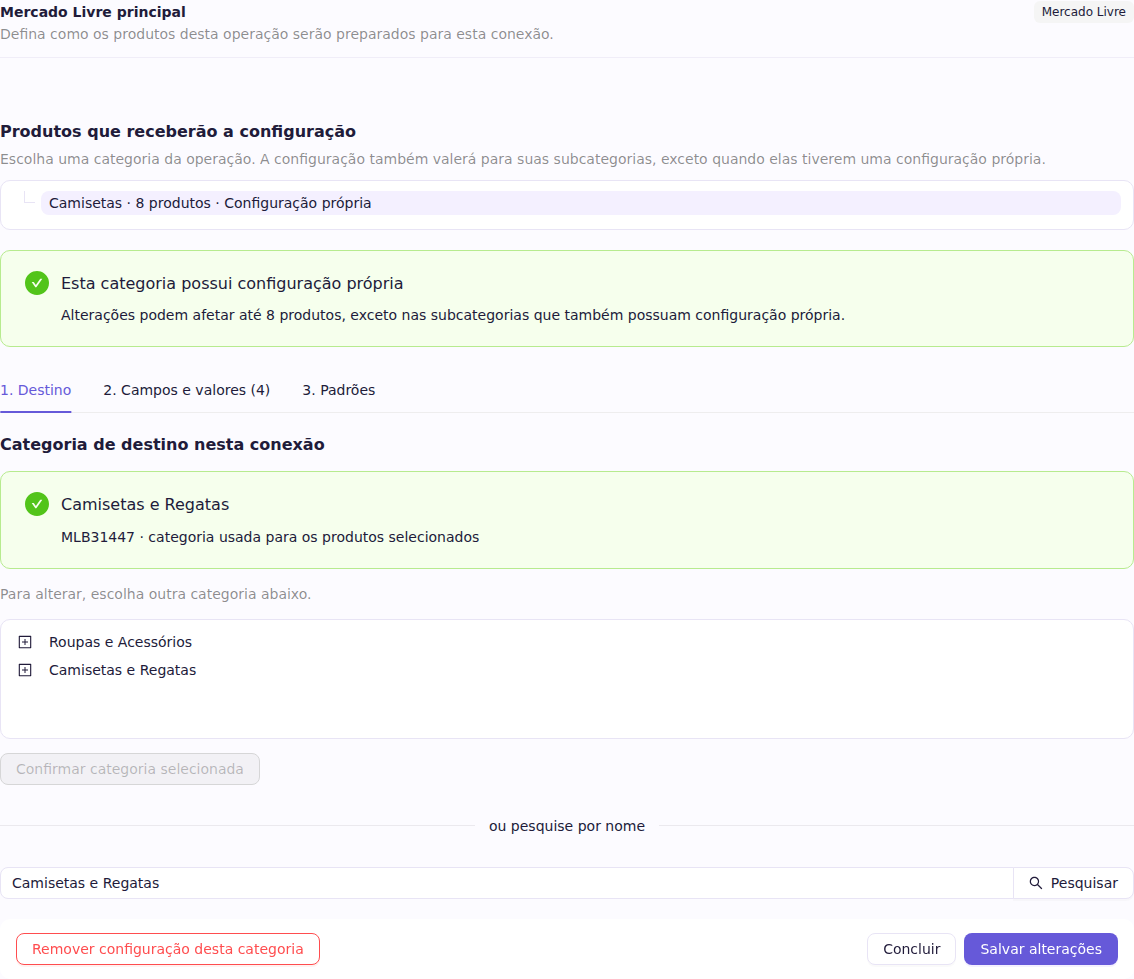
- Open Connections and choose the Mercado Livre account.
- Open Configure products.
- Choose your catalog category under Products that receive this configuration.
- In 1. Destination, browse the Mercado Livre tree or search by name.
- Confirm the category.
A configuration made for a category also applies to its subcategories. Create a specific configuration only when a subcategory needs a different destination or different rules.
The destination category determines which information Mercado Livre requires in the next steps.